Threads
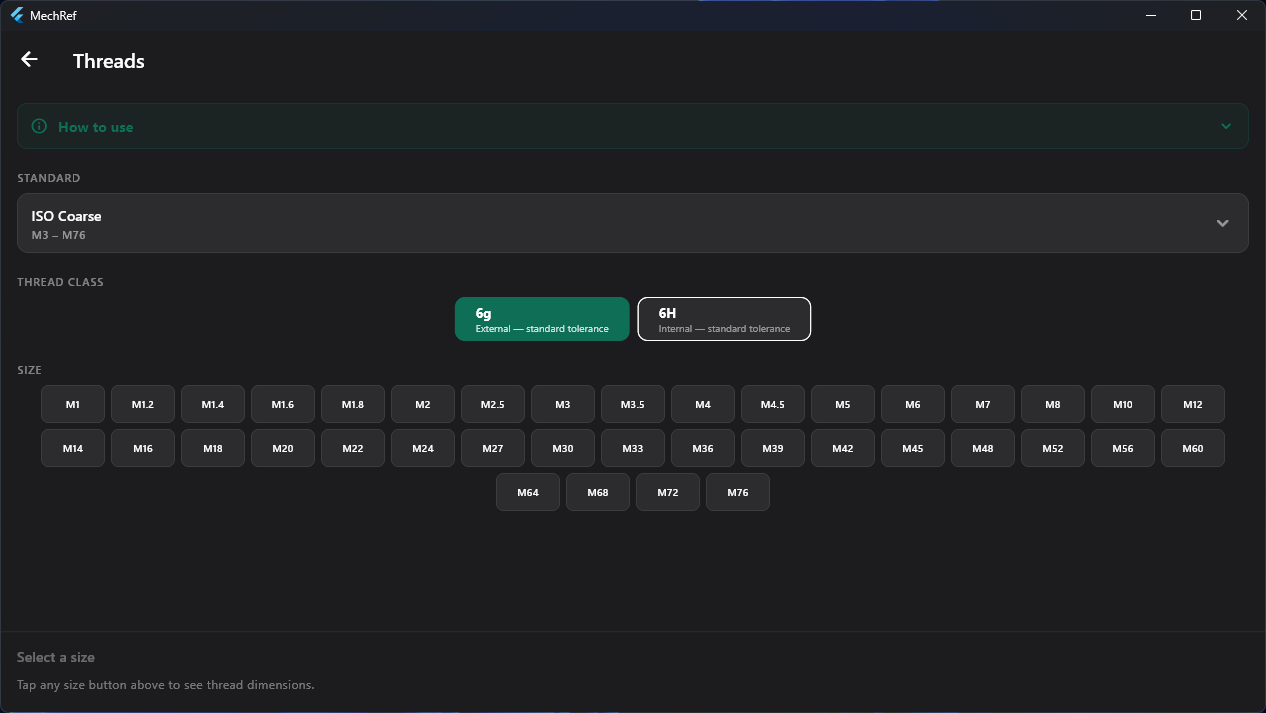
Look up complete thread data for any standard fastener size — pitch, pitch and minor diameters, thread depth, tensile stress area, and a recommended tap drill (≈75% engagement). Pick a standard and class, then tap a size.
- Metric (Coarse & Fine M1–M76), UNC and UNF free; eight further standards with Pro.
- External 6g and internal 6H tolerance classes.
- Recommended tap drill at ≈75% thread engagement.
- Tensile stress area for quick bolt-load checks.
pitch 1.5 mm pitch dia d₂ 9.026 mm tap drill 8.5 mm
- Choose a thread standard.
- Select external 6g or internal 6H.
- Tap a size to read its full dimensions and tap drill.
Fits & Tolerances
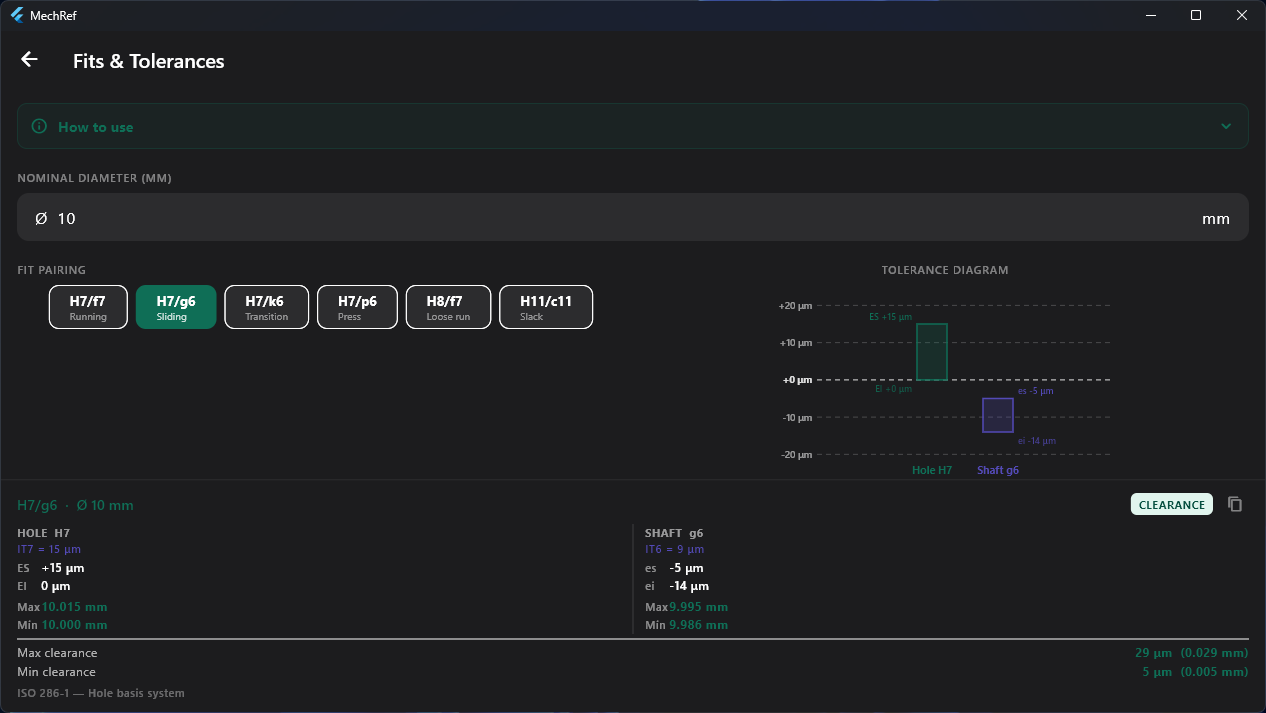
Resolve any ISO 286-1 hole-basis fit. Enter a nominal diameter, pick a fit pairing, and read the hole and shaft deviations, IT grades, limit dimensions and the resulting clearance or interference — all next to a tolerance-band diagram drawn to scale.
- Hole (ES, EI) and shaft (es, ei) deviations with IT grades.
- Maximum and minimum limit dimensions for both parts.
- Clearance / interference range, in µm and mm.
- One-tap copy of the full result.
Hole H7 10.000 – 10.015 mm Shaft g6 9.986 – 9.995 mm
clearance 5 – 29 µm
- Type the nominal diameter.
- Choose a fit pairing.
- Read deviations, limits and the tolerance diagram.
Converter & Constants
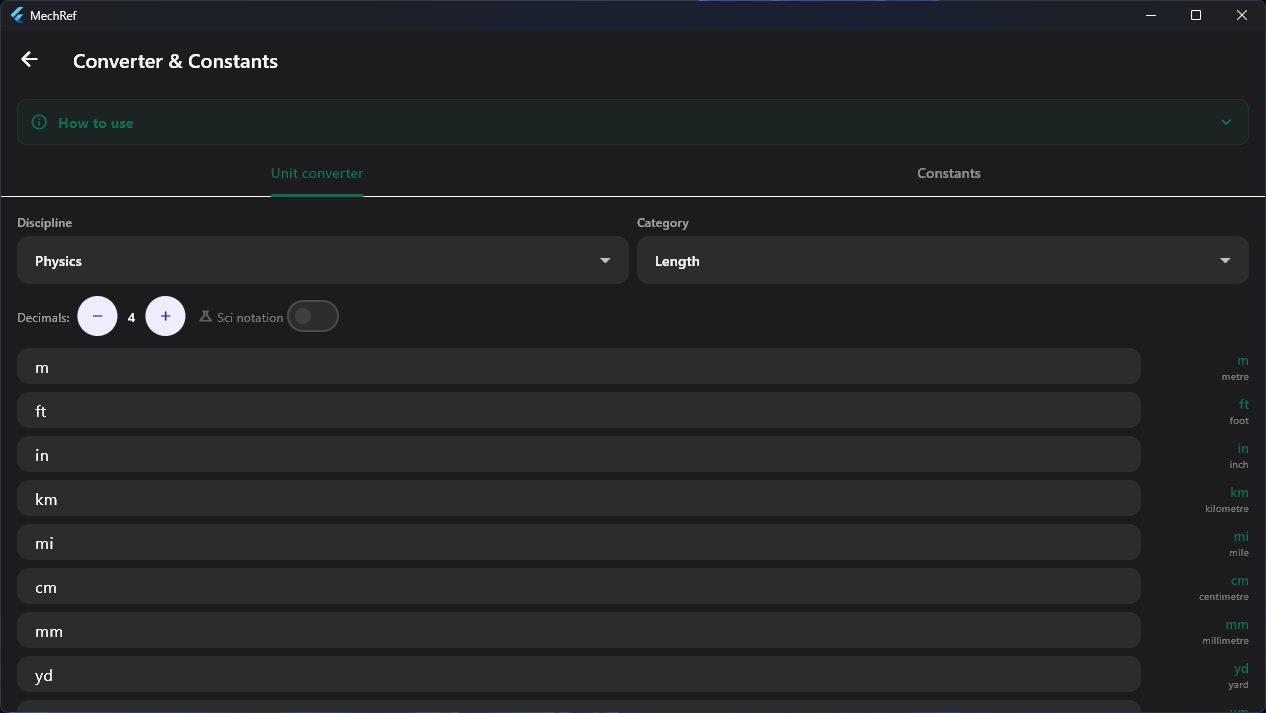
A live, multi-field unit converter across engineering disciplines, plus a library of physical and engineering constants. Type into any field and every other unit recalculates instantly — no convert button, no swapping.
- 180+ conversions across 14 categories; all fields solve simultaneously.
- Adjustable precision (0–8 decimals) and scientific-notation toggle.
- 65 constants rendered with proper symbols, tap to copy.
- Fluid mechanics, thermodynamics and materials constants unlock with Pro.
- Pick a discipline and category (or open the Constants tab).
- Type a value into any unit field.
- Read every other unit; adjust decimals as needed.
Areas & Volumes
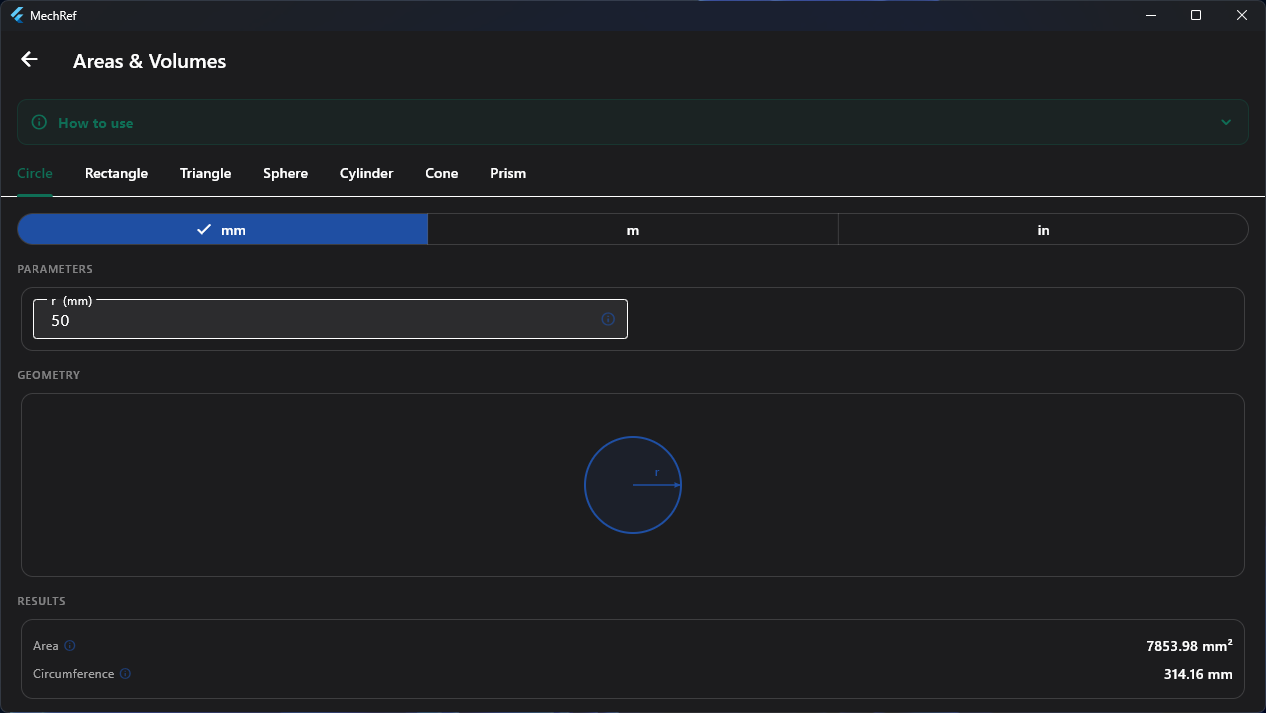
Fast area, volume and surface-area calculations for the most common engineering shapes, each with a live diagram and a mm / m / inch selector. The 2D shapes are free; the 3D solids are part of Pro.
- 2D areas and perimeters for circle, rectangle and triangle — free.
- 3D volumes and surface areas for sphere, cylinder, cone and prism — Pro.
- Shared unit selector across every shape.
- Live, labelled diagram for each shape.
- Pick a shape tab.
- Choose your units.
- Enter the dimensions and read the results and diagram.
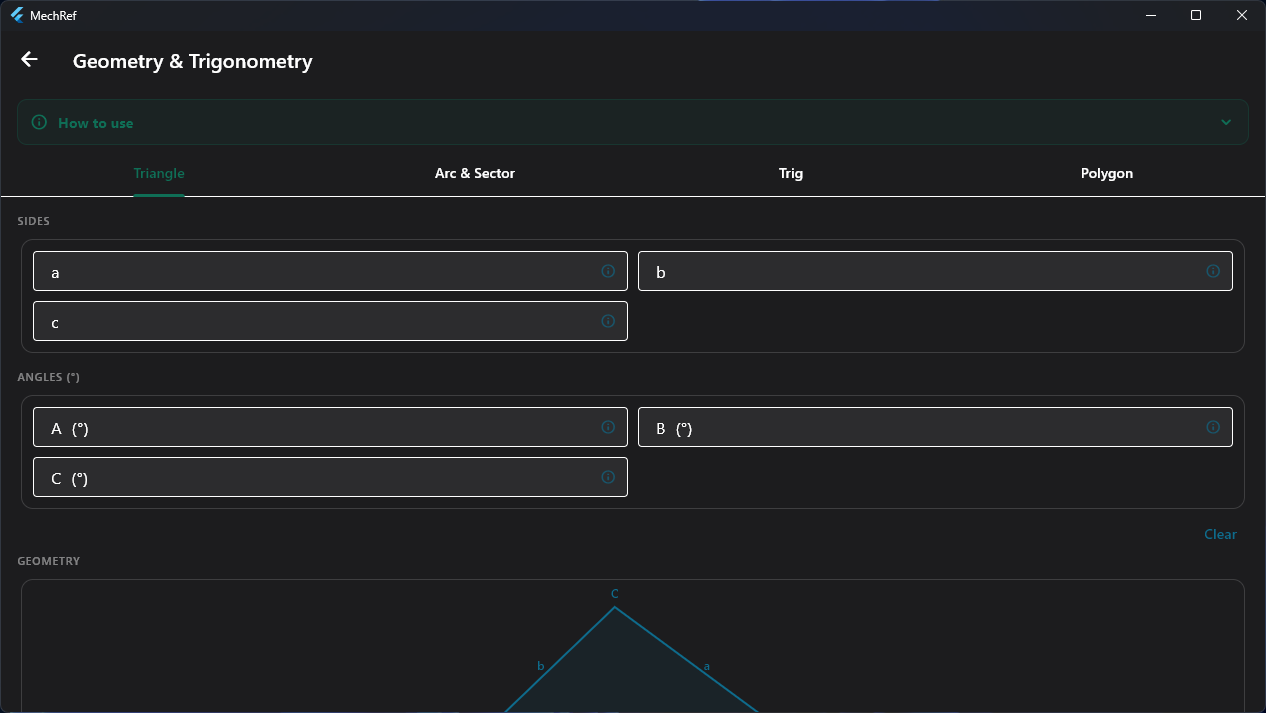
Geometry & Trigonometry
A four-in-one geometry toolkit: a full triangle solver, an arc & sector calculator, a trig-function explorer, and a regular-polygon calculator — each with a live diagram.
- Triangle solver handles SSS, SAS, ASA, AAS and SSA — and flags the ambiguous case.
- Arc & sector from r + θ or r + arc length; returns chord, sagitta and areas.
- Trig explorer with a full ratio table and a live unit circle.
- Regular polygons from side or diameter: apothem, interior angle, area.
- Choose a tool tab.
- Enter the values you know.
- Read the solved geometry and diagram.
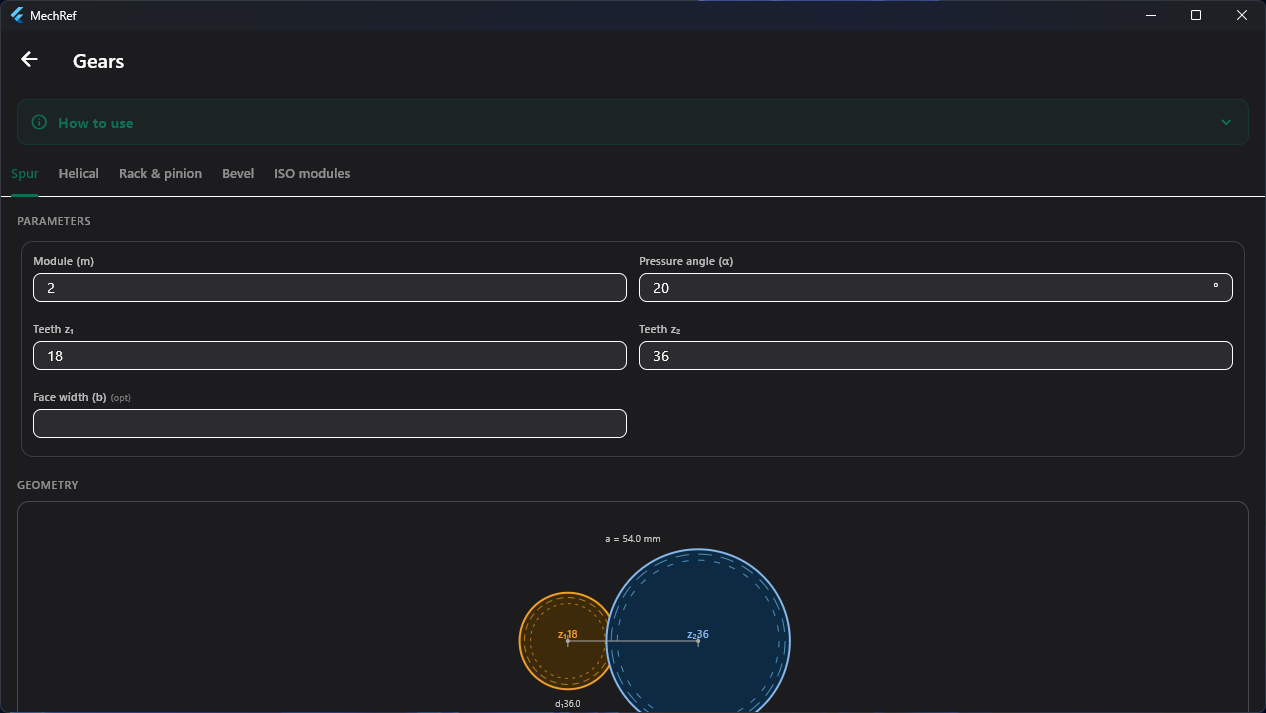
Gears
Work out gear geometry for spur, helical, rack & pinion and bevel gears to ISO 54 modules — reference diameters, centre distance and ratios — with a live gear-pair diagram as you type.
- Enter module, pressure angle and tooth counts; optional face width.
- Reference diameters, centre distance and gear ratio.
- Standard ISO 54 module picker.
- Scaled diagram of the meshing pair.
- Pick the gear-type tab.
- Enter module, pressure angle and teeth.
- Read the geometry and gear-pair diagram.
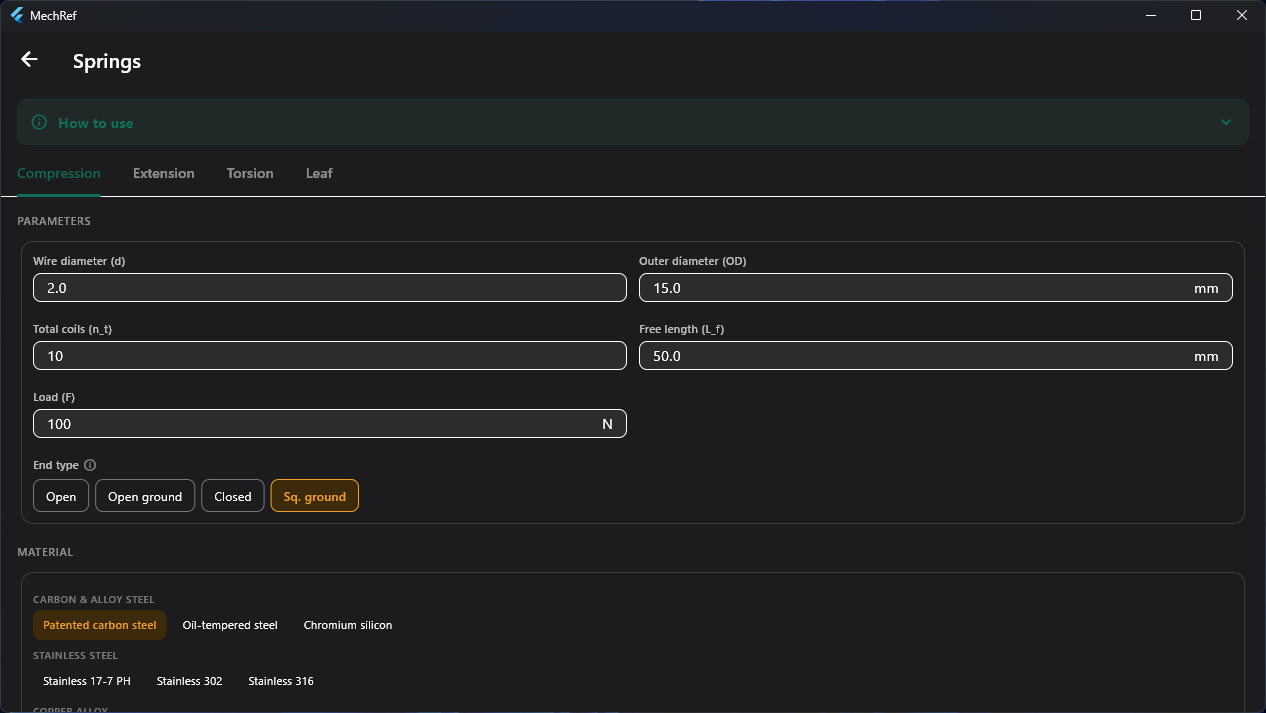
Springs
Design and check compression, extension, torsion and leaf springs — spring rate, shear stress, deflection and solid length — with selectable end conditions and a materials library.
- Wire and coil geometry, load, and end type (open, ground, closed, squared & ground).
- Materials library — carbon & alloy steel, stainless, copper alloys.
- Spring rate, shear stress and deflection computed live.
- Solid length and index checks.
- Choose the spring type.
- Enter geometry, load, end type and material.
- Read rate, stress and deflection.
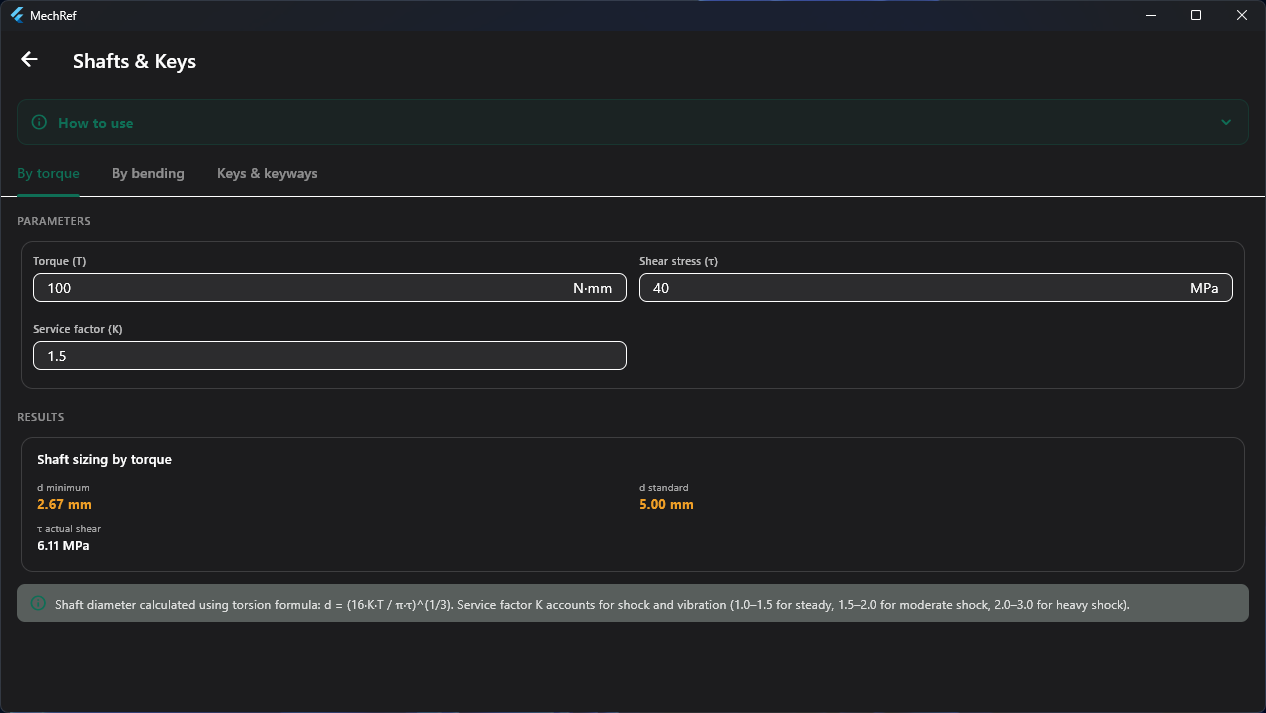
Shafts & Keys
Size shafts by torque or by bending, and select keys and keyways. Each result shows the minimum diameter, the nearest standard size, the actual stress and the governing formula.
- Service factor accounts for shock and vibration.
- Minimum and nearest-standard shaft diameter.
- Actual working shear/bending stress.
- The governing formula is shown with every result.
- Pick By torque, By bending or Keys & keyways.
- Enter loads and the service factor.
- Read the minimum and standard sizes.
Belts & Chains
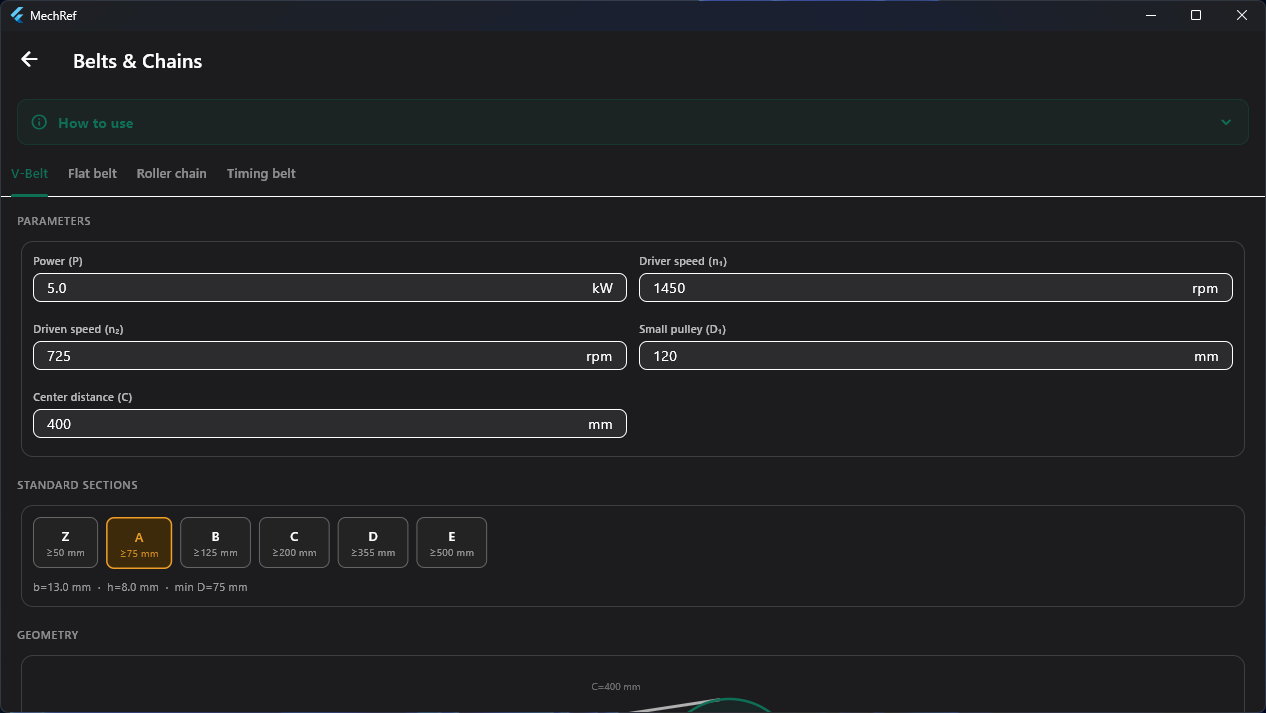
Size V-belt, flat belt, roller chain and timing belt drives — speeds, ratios, standard sections, belt length and tensions — with a drive-geometry diagram.
- Power, driver/driven speed, pulley or sprocket sizes and centre distance.
- Standard section selector (Z, A, B, C, D, E) with dimensions.
- Speed ratio, belt length and tensions.
- Drive-geometry diagram.
- Pick the drive type.
- Enter power, speeds and sizes.
- Choose a section and read the drive geometry.
Machining
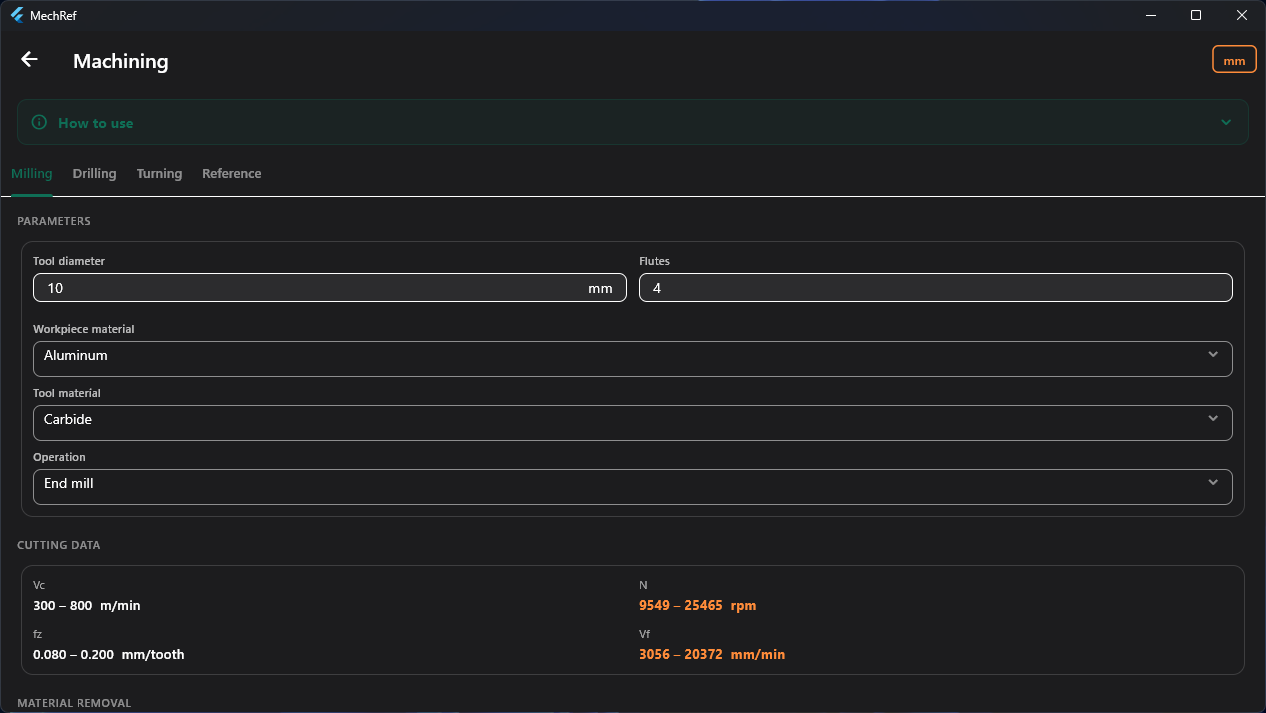
Cutting-speed, spindle-speed, feed-rate and material-removal calculations for milling, drilling and turning — matched to your workpiece and tool material — plus reference tables.
- Tool diameter, flutes, workpiece material, tool material and operation.
- Cutting speed Vc, spindle speed N, feed per tooth fz, feed rate Vf.
- Material-removal rate and a mm / inch toggle.
- Reference tables for quick lookups.
- Pick the operation tab.
- Set tool and material.
- Read the recommended cutting-data range.